

Top 7 Apps for Better Sleep in Shift Workers
If you work nights or rotating shifts, the best sleep app depends on one thing: what is messing up your sleep most. Shift workers face sleep disorders at 50%–62%, vs. 5%–11% in day workers. So I’d keep it simple: pick an app for timing, tracking, winding down, or waking up.
Here’s the short version:
- Timeshifter: best for planning sleep and light around changing shifts
- Sleep Cycle: best for sleep tracking and smart alarms
- Calm: best for post-shift relaxation
- Headspace: best for guided sleep routines
- Pzizz: best for naps and blocking daytime noise
- SleepScore: best for phone-based sleep tracking
- Sleep as Android: best for custom tracking and wake-up tools
In other words: if your shifts change a lot, I’d look at Timeshifter first. If waking up feels rough, Sleep Cycle or Sleep as Android makes more sense. If your main problem is falling asleep after work, Calm, Headspace, or Pzizz fits better.
What matters most for shift workers:
- Circadian planning for day, evening, or night shifts
- Sleep tracking for daytime sleep and split sleep
- Wind-down support for post-shift rest (or using a night shift sleep supplement)
- Smart alarms to cut grogginess after short sleep
World first app helps shift workers get more and better sleep YouTube
sbb-itb-5106bd1
Quick Comparison
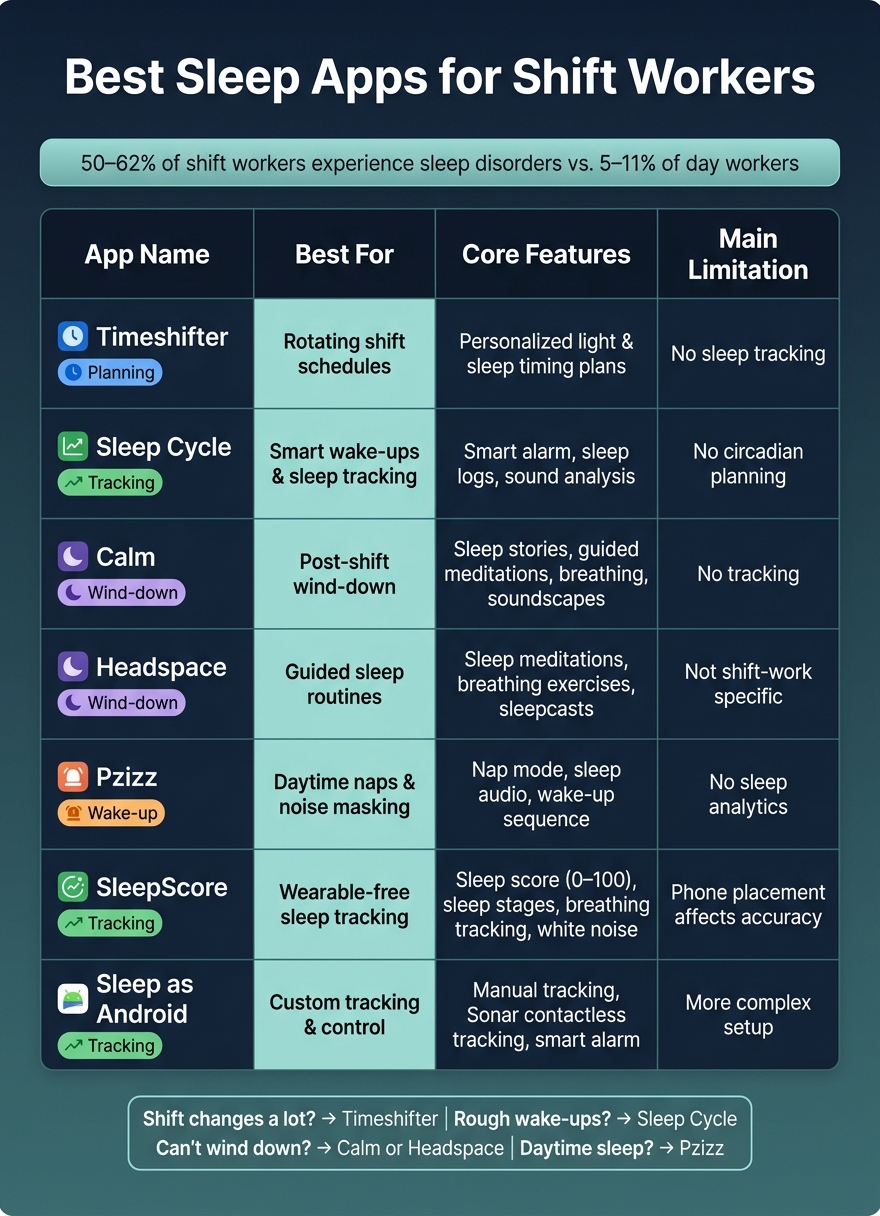
Best Sleep Apps for Shift Workers: Quick Comparison Guide
| App | Best For | Main Tools | Main Limit |
|---|---|---|---|
| Timeshifter | Rotating shifts | Sleep and light timing plans | No sleep tracking |
| Sleep Cycle | Smart wake-ups | Smart alarm, sleep logs | No circadian planning |
| Calm | Relaxing before sleep | Sleep stories, breathing, audio | No tracking |
| Headspace | Guided wind-down | Sleep meditations, sleepcasts | Not built just for shift work |
| Pzizz | Daytime sleep and naps | Noise-masking audio, nap mode | No sleep data |
| SleepScore | Track sleep without a wearable | Sleep score, stage data, sounds | Phone setup matters |
| Sleep as Android | More control | Manual tracking, smart alarm, Sonar | Takes more setup |
So if I were choosing fast, I’d match the app to my shift pattern first, then look at whether I need planning, audio help, or tracking data.
What Shift Workers Should Look for in a Sleep App
Shift workers need apps that can handle rotating schedules, daytime sleep, and staying sharp after long hours on the job.
Circadian planning for changing shifts
When your work hours keep changing, your body clock can get thrown off fast. Apps with circadian planning help by suggesting when to sleep and when to get or avoid light based on your shift schedule. That matters because light exposure at night suppresses melatonin production and makes it harder to adjust.
Sleep tracking for irregular bedtimes
Look for apps that use motion-based tracking and also let you add manual sleep diary entries. That way, you can log sleep at any hour, not just during a neat overnight block. The point is to spot patterns, like whether your daytime sleep is shorter or more broken up than your nighttime sleep.
Wind-down tools for daytime or post-shift sleep
Falling asleep after a late shift can be tough. Sometimes your body is still acting like it should be awake, even when you're exhausted. Apps with soundscapes or wind-down tools can help block daytime noise and make it easier to fall asleep. Nonrepeating audio is also worth looking for, since loops can wake light sleepers.
Smart alarms and alertness tools
If your sleep window is short, the way you wake up matters a lot. Smart alarms with fade-in features can help cut down on the groggy feeling that often follows off-hour sleep. Some apps also include alertness tests, which can help flag slower reaction times over back-to-back shifts.
| Feature | Why It Matters for Shift Workers |
|---|---|
| Circadian planning | Adjusts sleep and light recommendations to your shift pattern |
| Irregular sleep tracking | Logs daytime or split sleep sessions accurately |
| Wind-down tools | Helps you relax when your body clock says stay awake |
| Smart alarms | Reduces sleep inertia during short or off-hour sleep windows |
With those features in mind, here are the seven apps that fit them best.
1. Timeshifter
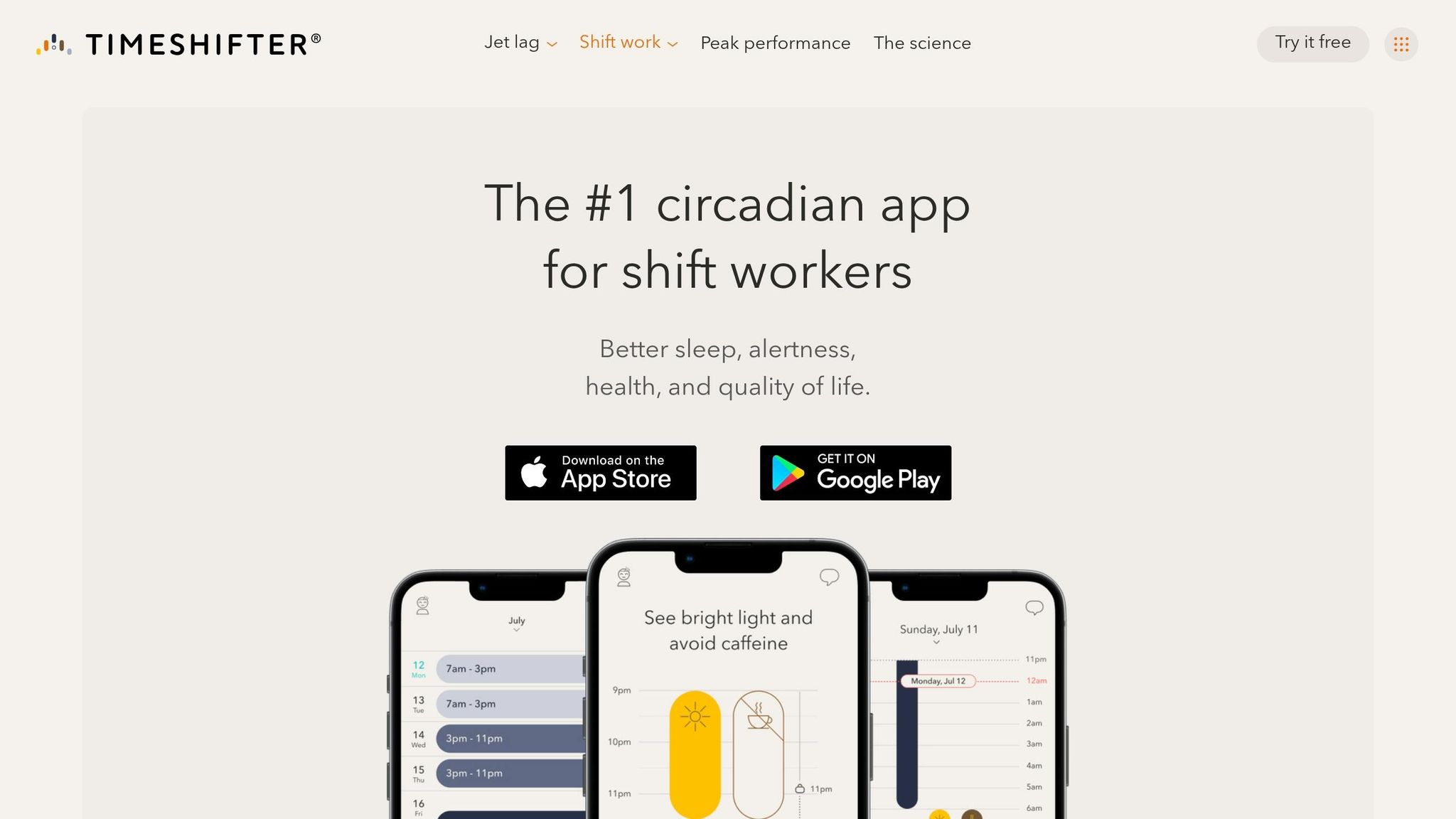
Timeshifter is built for the circadian-planning need mentioned above. You enter your shift dates, and the app turns them into a plan for light and sleep. In plain English: it tells you when to get light, when to stay away from it, and when to nap or sleep.
Shift-work relevance
This is where Timeshifter stands out. It takes your actual shift schedule and turns it into a personal plan for light exposure, naps, and sleep timing. So instead of tossing out broad sleep tips, it applies circadian science to the hours you actually work.
That matters because shift work isn't one-size-fits-all. A night nurse, an early warehouse worker, and someone rotating between day and evening shifts all deal with different timing problems after night shifts. Timeshifter is built around that reality.
Sleep tracking
Timeshifter does not track sleep. Its job is timing guidance, not sleep logging.
| Detail | Info |
|---|---|
| Platforms | iOS, Android |
| Core function | Circadian timing planner |
| Sleep tracking | Not included |
| Best for | Light-based scheduling help |
2. Sleep Cycle

Sleep Cycle works best for shift workers who want smarter wake-ups and solid sleep tracking, but not circadian planning.
Shift-work relevance
The app’s standout feature is its smart alarm. It watches your sleep state and wakes you during lighter sleep within a 30-minute window. For shift workers, that can make a big difference. Waking up from deep sleep often leaves you groggy, heavy-headed, and slow to get moving.
Sleep tracking depth
Wake-ups are only part of the picture. The app also logs the sleep patterns that make irregular schedules tough to deal with.
Sleep Cycle uses sound analysis to track movement and snoring, so you don’t need a wearable. It also gives you a sleep score and records data such as total sleep time, sleep efficiency, time in bed, and sleep latency.
Over time, those logs can show patterns that are easy to miss day to day. That matters for shift workers, who often deal with sleep loss over long stretches. It also makes it easier to spot sleep loss across rotating shifts.
3. Calm
Calm can help when the hardest part of irregular sleep is simply settling down.
Shift-work relevance
For shift workers who have a hard time switching off after work, Calm puts the focus on pre-sleep relaxation instead of schedule planning. It can help shift workers wind down when their sleep window lands outside normal nighttime hours. It does that with guided audio and breathing tools built for a post-shift wind-down.
Wind-down or relaxation tools
The most useful Calm features for shift workers are:
- Sleep Stories
- Guided meditations
- Breathing exercises
- Relaxing soundscapes
These tools can help shift workers relax and fall asleep during the day.
If you need tracking or wake-up support along with relaxation, the next apps cover those features.
4. Headspace
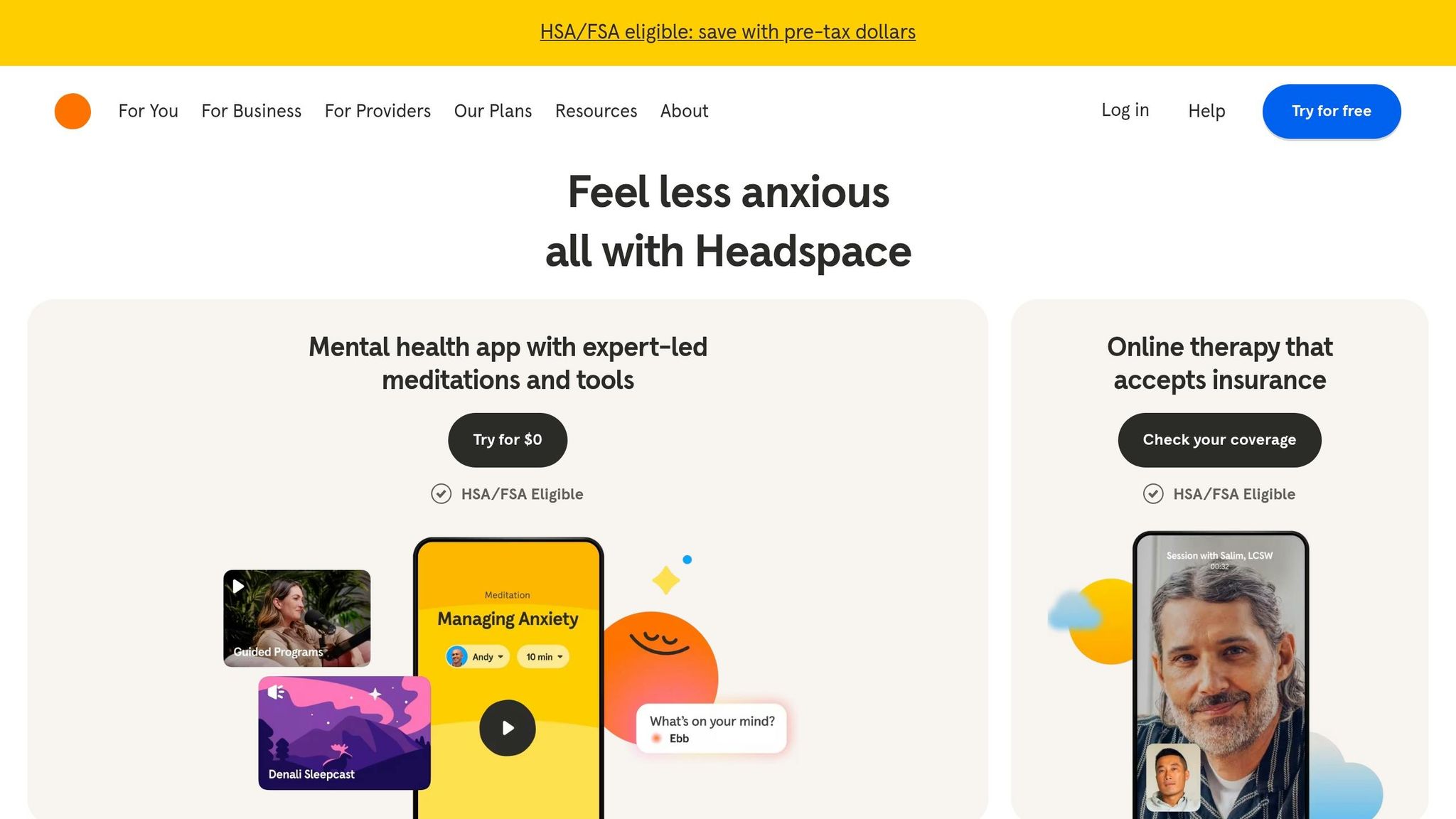
If audio-only relaxation doesn’t do the trick, Headspace adds more structure. It gives shift workers a guided routine to follow when they’re trying to fall asleep after an overnight or rotating shift.
Shift-work relevance
Headspace can help when light, noise, and an unpredictable schedule make it tough to power down before daytime sleep. Instead of relying on general ambient audio alone, it gives you a guided routine your brain can start to recognize between shifts.
That repeatable wind-down pattern matters. After a long shift, your mind often doesn’t just switch off on command.
Wind-down or relaxation tools
Headspace includes sleep meditations, breathing exercises, and sleepcasts for post-shift wind-down.
For workers who want even more sleep-focused audio support, the next app takes that one step further.
5. Pzizz
Pzizz is built for shift workers who need audio help to fall asleep. It puts the focus on noise masking and nap timing.
The app creates sleep soundtracks that blend music, voice, and sound effects to help users drift off.
Shift-work relevance
One of Pzizz’s main uses for shift workers is blocking out daytime noise. That matters if you’re trying to sleep better after working nights and the world outside is wide awake.
Wind-down or relaxation tools
Its Nap mode is made for short naps, usually 20 to 30 minutes, and it ends with a wake-up sequence that can make getting up feel a bit less rough.
If you want sleep tracking along with audio support, the next app covers that too.
6. SleepScore
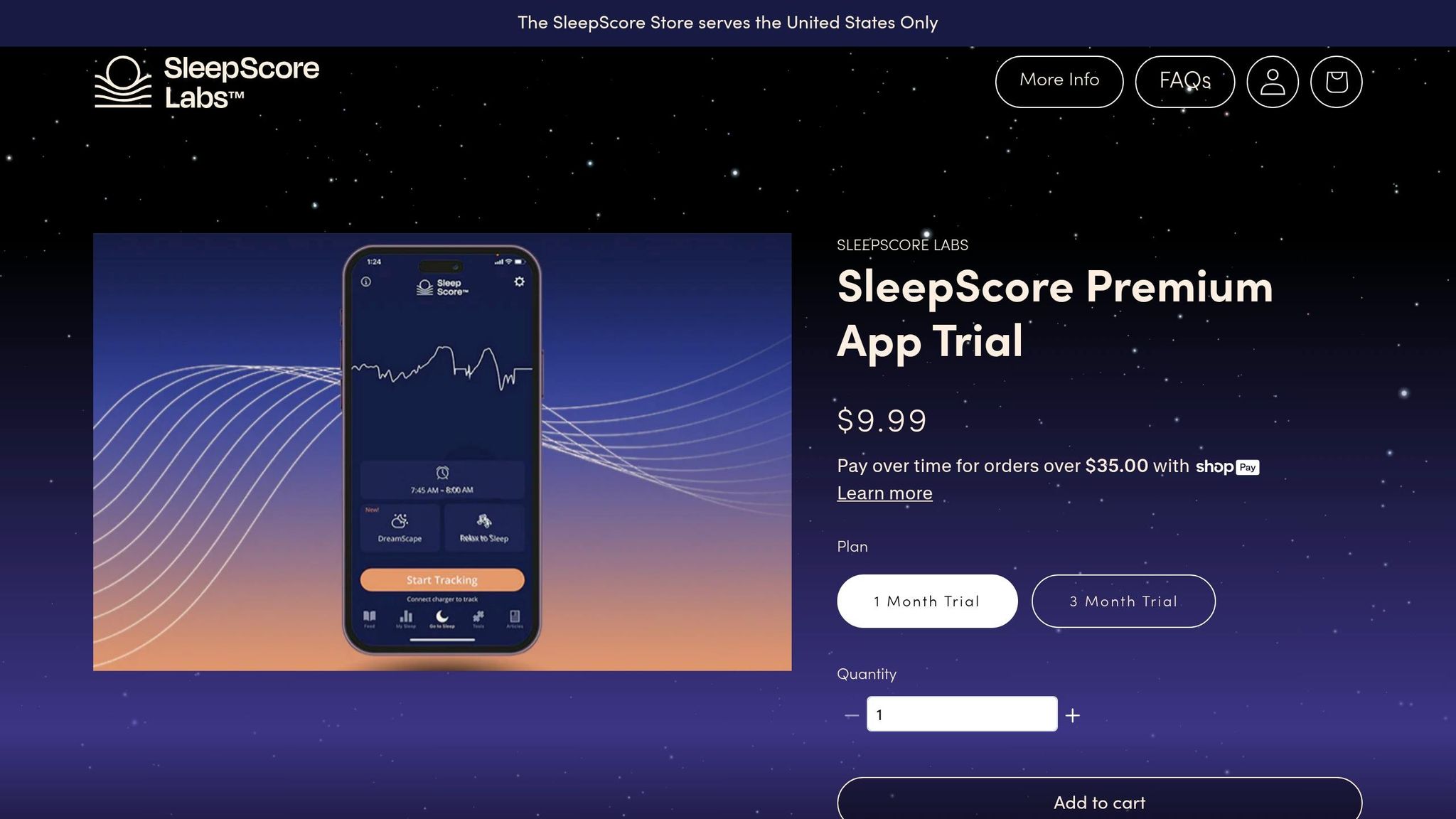
If you want sleep tracking plus a simple way to wind down, SleepScore puts both in one place. It gives shift workers wearable-free sleep tracking, which is handy when you don't want another device on your wrist.
Shift-work relevance
For shift workers, that kind of tracking can help a lot when sleep times keep moving around. SleepScore uses a 0–100 score and a sleep stage breakdown, so you can see how schedule changes affect daytime sleep or overnight sleep. The app also tracks breathing during sleep, which gives you a more complete picture of rest quality without any extra hardware.
Wind-down or relaxation tools
SleepScore also includes sleep sounds and white noise for an easy wind-down. So instead of bouncing between apps, shift workers can use one app for sleep data and a calm pre-sleep routine.
7. Sleep as Android
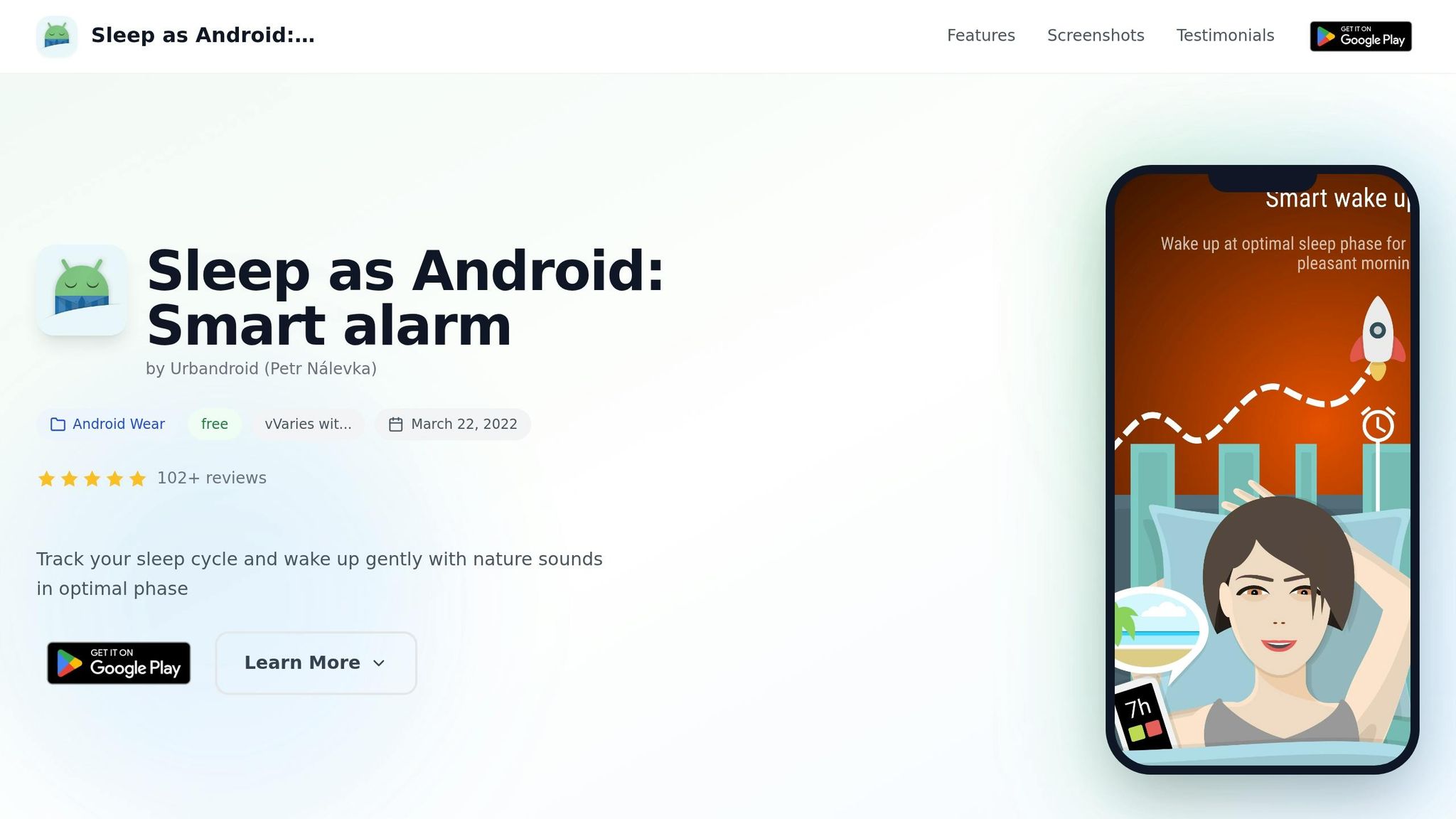
For shift workers who want sleep tracking and wake-up tools in one place, Sleep as Android brings both together.
Shift-work relevance
Sleep as Android can track sleep even when your schedule is all over the place. You can start tracking manually when you go to sleep, or use Sonar, its contactless Sonar tracking feature, no matter what time you turn in.
Its smart alarm also adds a nice edge. It uses motion tracking or Sonar to wake you during lighter sleep within a set window, which can make waking up feel a little less rough.
That combo of manual tracking and smart waking makes it a solid last option before comparing all seven apps side by side.
App Comparison Table
The table below boils the seven apps down to the fastest decision points.
Compare the apps by use case, best fit, features, and limits.
| App | Best Fit for Shift Workers | Core Features | Notable Limitation |
|---|---|---|---|
| Timeshifter | Rotating schedules | Personalized light and sleep timing plans | Requires frequent schedule updates |
| Sleep Cycle | Any schedule needing a smart alarm | Smart alarm + sleep tracking | Noise can reduce tracking accuracy |
| Calm | Fixed night shifts | Guided wind-down audio | No sleep tracking or circadian planning |
| Headspace | Fixed night shifts | Structured sleep meditations | Not shift-work specific |
| Pzizz | Post-shift daytime sleep | Sleep and nap audio | No sleep analytics |
| SleepScore | Consistent sleep windows | Sleep tracking | Phone placement affects accuracy |
| Sleep as Android | Custom tracking needs | Manual + sensor-based tracking | More complex to use |
Use the table to line up each app with your schedule, sleep window, and whether you want tracking, relaxation, or both.
If your shifts change a lot, Timeshifter stands out. If you want a smart alarm that works across many schedules, Sleep Cycle makes the most sense. For fixed night shifts, Calm and Headspace are better if your main goal is winding down, not tracking data.
Need help with daytime sleep after work? Pzizz is built for that. If your sleep times stay pretty steady and you want tracking, SleepScore is a better match. And if you like more control and don’t mind a setup that takes extra effort, Sleep as Android gives you more ways to track sleep.
Next, match the app to your shift pattern and sleep window.
How to Pick the Right App for Your Schedule
The best app for you depends on how your shifts work. A fixed overnight schedule calls for one set of tools. A rotating schedule calls for another. And if your main battle is trying to sleep after work while the rest of the world is awake, you’ll want features that help shut out light, noise, and that “it’s 11:00 a.m., why am I still awake?” feeling.
Use the priorities below to narrow the seven apps above.
Best apps for fixed night shifts
Fixed night shifts usually call for circadian planning and light-exposure guidance.
If you work the same overnight hours again and again, your main goal is helping your body settle into a more stable rhythm. In plain English: you want an app that helps you time sleep, light, and wake periods in a way your body can stick with.
Best apps for rotating schedules
Rotating schedules need flexible planning and sleep tracking that can adjust as your bedtime keeps moving.
This is where rigid apps can fall apart. If your shifts swing from days to nights and back again, you need something that can keep up instead of assuming you go to bed at the same time every night.
Best apps for post-shift daytime sleep
Daytime sleep usually depends on wind-down tools, sound masking, and sleep timers that help block light and noise.
For many shift workers, the hard part isn’t just being tired. It’s trying to sleep when neighbors are mowing the lawn, phones are buzzing, and daylight is pouring through the blinds. The right app can help create a buffer between your shift and your sleep.
When to pair apps with basic sleep habits
Apps do more when your room and routine help them along. A dark room, earplugs, and a steady pre-sleep routine all back up what the app is trying to do.
Think of the app as one piece of the setup, not the whole setup. If your space is bright and noisy, even the best sleep tools can only do so much. These habits support the app features above.
Use these priorities to match the right app to your schedule in the comparison table below.
Conclusion
After looking at all seven apps, the right pick comes down to your biggest sleep problem. There isn’t one app that works for every shift worker. Pick based on the main thing getting in your way: sleep timing, winding down, tracking, or waking up. In plain English, the best app is the one that fixes your main issue, not the one packed with the most features.
Apps can help a lot, but they work better when your sleep habits are steady. Use your app alongside a dark room, earplugs, and a set pre-sleep routine. RST Sleep can add extra support for night shift workers and people with irregular schedules.
Start with the app that fits your current schedule, then change course as your shifts change.
FAQs
How do I choose the right sleep app for my shift schedule?
Look for features that make it easier to stick to the same wind-down routine each day, like guided meditation or deep breathing exercises. Small cues like these can tell your body it’s time to slow down and get ready for rest.
Shift work can throw off your circadian rhythm, so it helps to choose apps that support steady bedtime habits. That might mean dimming the lights, putting your phone down, or starting your sleep routine 30 minutes before bed. If you want extra help, RST Sleep also offers a natural supplement made for shift workers.
Can sleep apps really help with daytime sleep after a night shift?
Yes. Sleep apps can help with daytime rest after a night shift. They often use guided meditation, progressive muscle relaxation, and white noise to block common daytime noise and interruptions.
They tend to work best when you use them as part of a steady pre-sleep routine and a sleep setup that supports rest. That can mean a dark bedroom kept between 65°F and 68°F. RST Sleep may also help support natural sleep cycles for night shift workers.
Should I use one sleep app or combine a few?
Using one app or a few comes down to personal preference. What matters most is building a steady wind-down routine. A single app can work well. A mix can work too. Either way, these tools can help tell your brain and body that it's time to rest.
For better results, use them alongside simple bedtime habits. Try dimming the lights 30 minutes before bed, taking a warm shower, or doing gentle stretches. RST Sleep may also help support your body’s natural sleep cycle.